
General Settings
General Settings hold the static master data that every page renders: company name and address, logo, favicon, homepage pointer, 404 page, analytics IDs, and social-media profile links. Plugins and theme templates read these values for the footer, the Organization schema.org block, SEO metadata, and the Contact/Imprint pages.
Open Settings → General Settings. The screen is a single form grouped into sections.
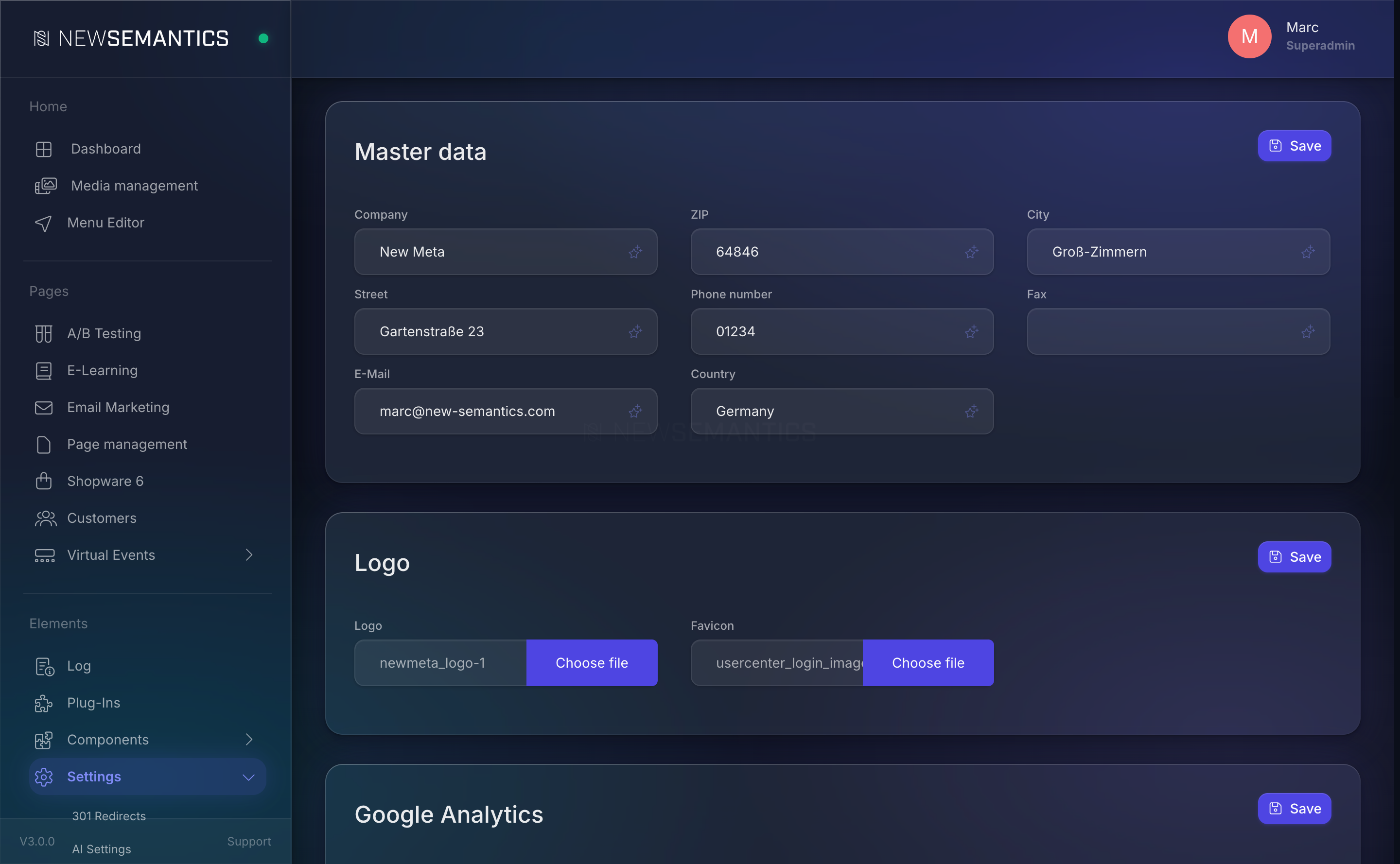
Master data (Contact info)
The legal and postal identity of the site. Every field is text.
| Field | Purpose |
|---|---|
| Company | Legal name, used in the footer and in schema.org Organization. |
| ZIP | Postal code. |
| City | City. |
| Street | Street + house number. |
| Phone number | Contact phone. Rendered as a tel: link in the footer. |
| Fax | Optional. |
Contact address. Rendered as a mailto: link. | |
| Country | ISO 3166-1 alpha-2 is typical (DE, AT, CH), but free text is accepted. |
Click Save. The new values apply on the next page load (the response cache may hold the old values for up to five minutes — clear it if urgency demands).
These fields drive schema.org
The values populate the JSON-LD Organization block on every page. Missing or wrong data hurts SEO and Google Business search results. Keep them accurate.
Logo and favicon
Two image fields that accept Media Manager IDs.
| Field | Purpose |
|---|---|
| Logo | Site logo. Used in the header and fallback for Organization schema. Recommended: SVG or 512x512 PNG. |
| Favicon | Browser tab icon. 32x32 or 48x48 PNG, or ICO. |
Click the field to open the Media Manager picker. Pick an existing file or upload a new one. Click Save.
The theme template references the logo with a fixed CSS selector — changing the logo takes effect immediately, no rebuild required.
Analytics
Tracking IDs for the three supported providers.
| Field | Purpose |
|---|---|
| Google Analytics Property ID | e.g. G-XXXXXXXXXX. The GA4 tag is injected when this field is filled and the user consented to the analytics category. |
| Matomo URL (without https) | e.g. matomo.example.com. The Matomo tracker is injected when consented. |
| Facebook Pixel ID | e.g. 123456789012345. The Meta Pixel fires on page view and e-commerce events when consented to the marketing category. |
Leave a field empty to disable that provider.
Homepage wiring
Three dropdowns connect the public site to specific page records.
| Field | Purpose |
|---|---|
| Name of the homepage in the menu | Label for the root menu entry that points to the homepage. |
| Homepage | The page served on /. Pick any page from Page management. |
| 404 page | The page served when a URL resolves to nothing. |
| Footer | The page whose content renders as the global footer on every page. |
Pick each value from the dropdown (searchable) and click Save.
No homepage, no site
If the homepage dropdown is empty, the frontend's root URL returns a 404. Always pick a homepage before launching.
Social media profiles
Profile links, not share buttons. The theme footer renders them as icons with the URL you enter here.
Open Settings → Social.
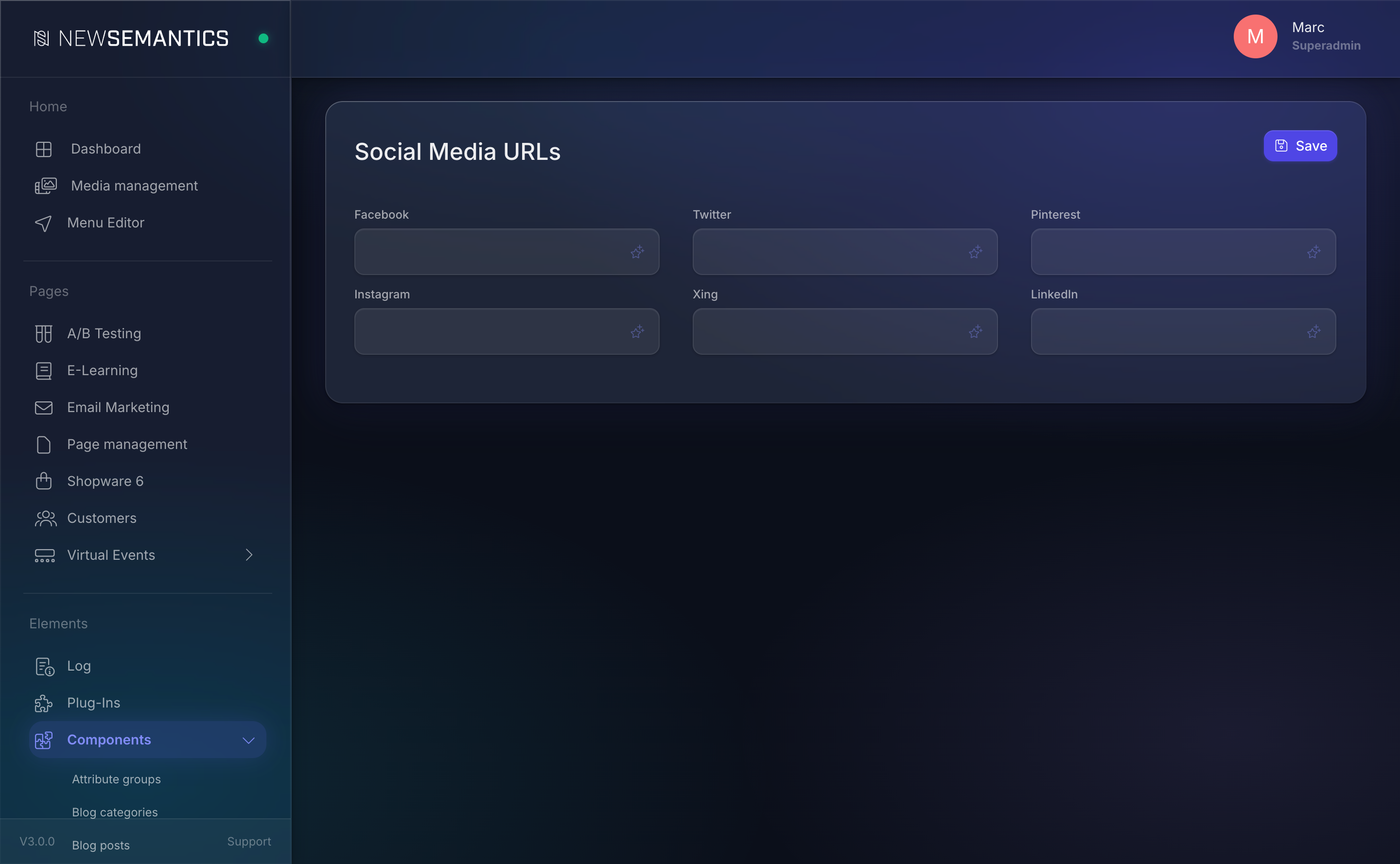
| Field | Purpose |
|---|---|
| Full profile URL. | |
| Full profile URL (X works too). | |
| Full profile URL. | |
| Full profile URL. | |
| Full profile URL. | |
| Full profile URL. |
Leave a field empty to hide the icon for that network. Click Save.
Where the data lives
Everything on this page goes into two tables:
kontaktinfos— master data, logo, favicon, analytics, homepage refs.social— social profile URLs.
Both are read by the /api/settings endpoint and cached in the response cache.
Response cache interaction
Changes to General Settings are served from the response cache with a default TTL of 300 seconds (5 minutes). After editing, either wait or click Clear cache on Settings → Cache for immediate visibility.
Common issues
Logo uploaded but still showing the old one. The response cache. Clear it or wait 5 minutes.
GA4 is configured but events do not reach Google Analytics. The visitor did not consent to the analytics cookie category. Test with a fresh incognito session and accept all cookies. If still nothing, verify the Property ID starts with G- and matches the GA4 property.
Footer shows a blank page even though a Footer page is selected. The referenced page is in Draft state, not Published. Open Page management and publish it.
Social icons missing from the footer. Either the URL fields are empty or the theme does not render them. Check the values first, then the theme template.
See also
- Cache — clear after edits if changes do not show up.
- Languages — the homepage field is language-neutral; per-language homepages use the page language variants.
- Design Tokens — colors and typography; unrelated to master data.