
Languages
The CMS is multilingual at its core. Every page, blog post, menu item, product, and widget variant can have translations. This page covers the languages list — the set of languages your site supports. The two companion pages cover the per-language content: URL Translations for slug mapping and Translations for runtime UI strings.
Open Settings → Languages. You see the list of configured languages.
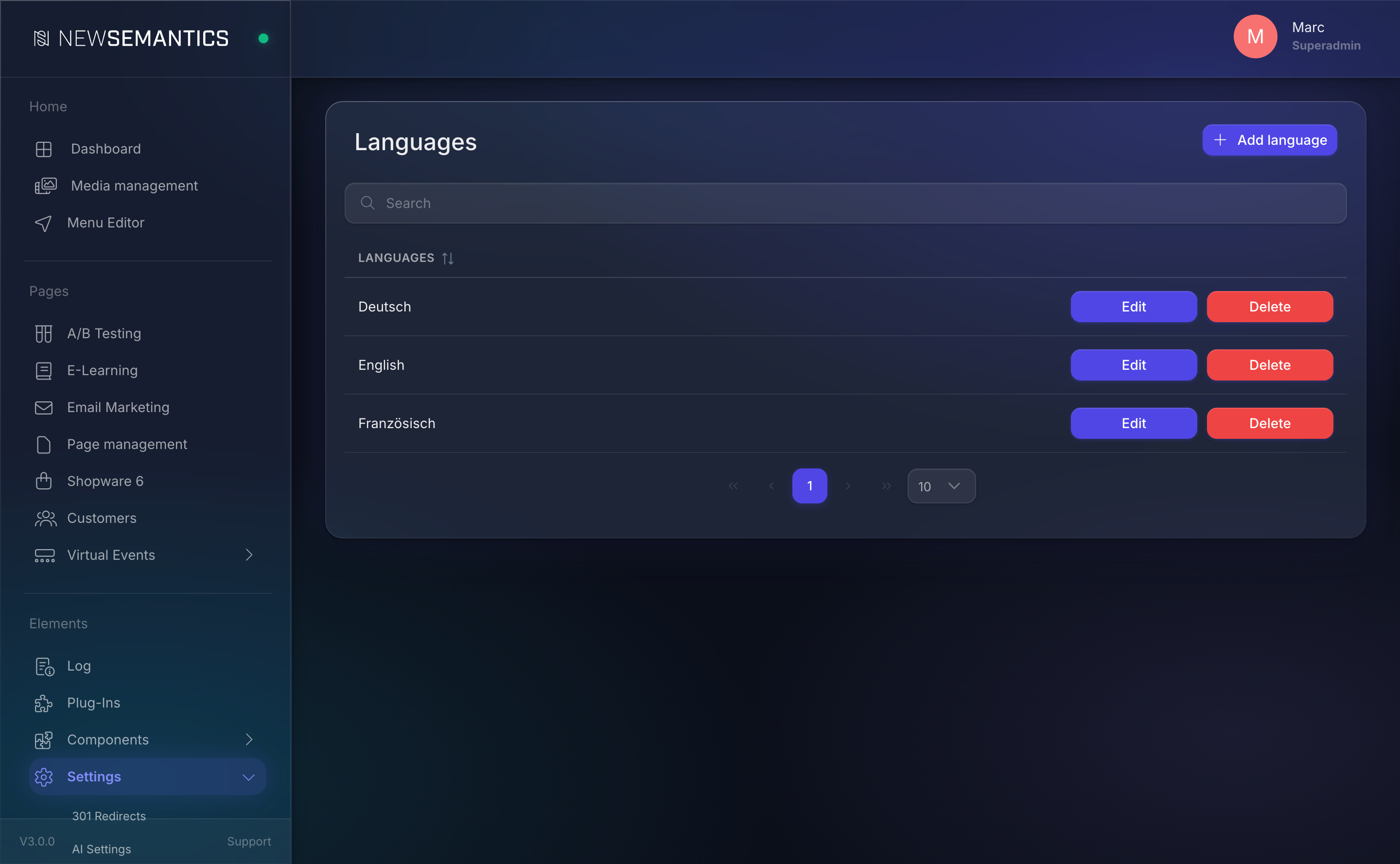
Columns
| Column | Purpose |
|---|---|
| Language | Human label, e.g. Deutsch, English, Français. |
| ISO Code | Two-letter code (ISO 639-1), e.g. de, en, fr. Used in URLs and in the content model. |
The main (default) language is usually the first row. It does not get a URL prefix — pages live under /about rather than /en/about. Every other language gets the ISO code as a path prefix: /de/about, /fr/about.
1. Add a language
Click Add language in the top right.
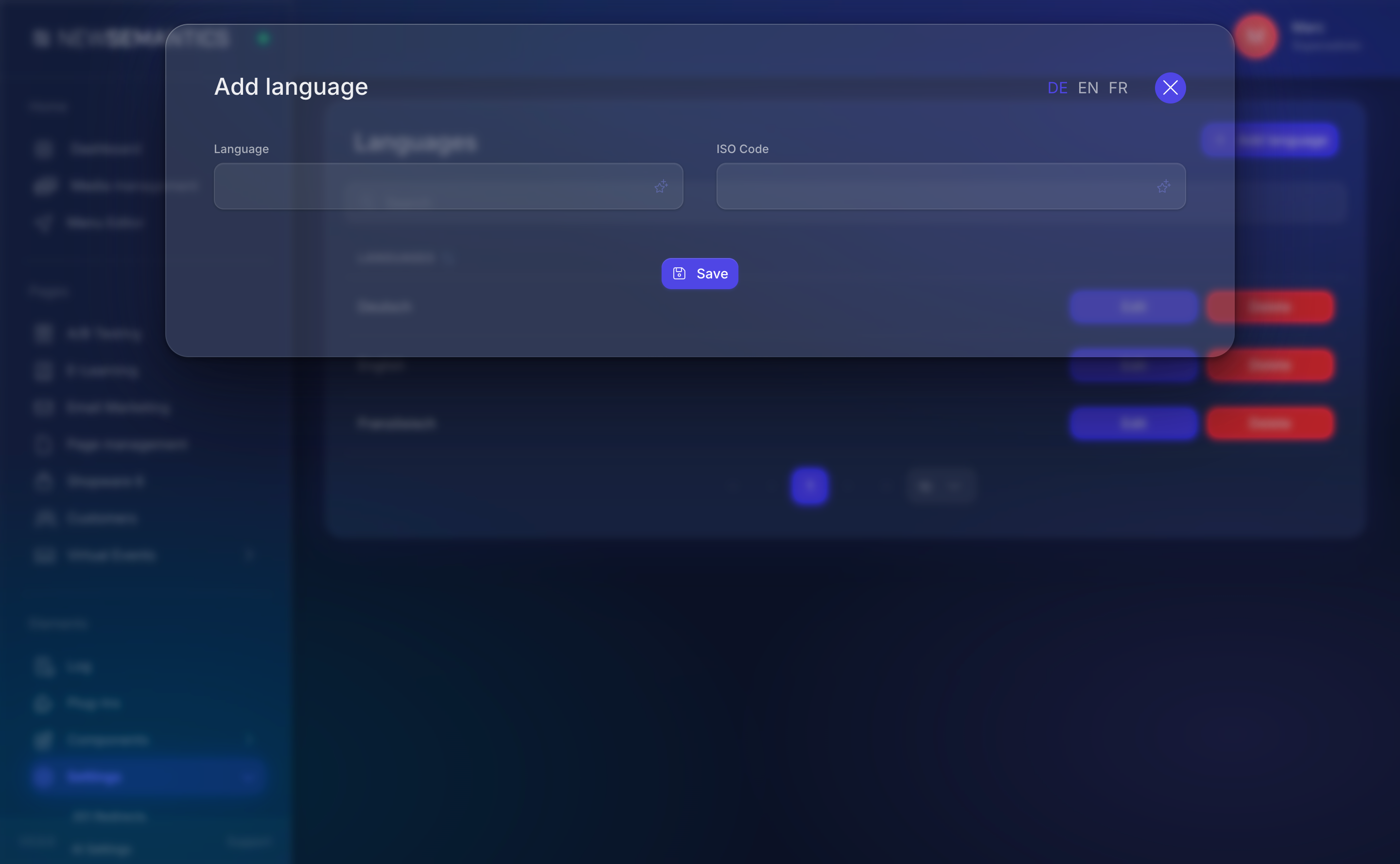
| Field | Purpose |
|---|---|
| Language | The display name as editors see it. Locale-specific: write Deutsch, not German. |
| ISO Code | Two-letter code. Use the standard ISO 639-1 code for compatibility with browsers and hreflang tags. |
Click Save. The new language appears in the content forms (page editor, blog editor, menu editor) with its own tab.
The first language is the default
Changing which row is the main language is not a one-click operation — existing content references depend on the ID. If you need to switch the default language after go-live, export content, re-assign base IDs, and re-import. Plan the main language on day one.
2. Edit a language
Click the pencil Edit icon. You can change the display name and the ISO code. Changing the ISO code breaks every URL under that language prefix — avoid it once the site is live.
3. Delete a language
Click the trash Delete icon. A confirmation modal asks twice.
Orphaned translations
Deleting a language does not delete the content records that used its ISO code. Page variants, menu-item translations, and product translations that reference the deleted language remain in the database but are no longer reachable from the UI. Re-add the language with the same ISO code to see them again. To truly remove, delete the variant rows first, then delete the language.
Hreflang and fallbacks
The frontend renders <link rel="alternate" hreflang="xx" /> tags based on the language table. Each page's existing translations are listed as alternates for SEO.
If a page does not have a translation for a requested language, the frontend falls back to the main language. The URL stays prefixed (/de/about still works), but the content is the default language.
Where language data lives
| Content type | Pattern |
|---|---|
| Pages | pages_custom with base_id + language_short. |
| Blog posts | blog_articles with base_id + language_short. |
| Menu items | menueditor_items with base_id + language_short. |
| Products (native shop) | s_products with language variants. |
| Translations (runtime) | language_translations. |
| URL slugs | languages_url_translations. |
The base_id joins the translations together; language_short is the ISO code.
Common issues
The language tab is missing in the page editor. Add the language in Languages first; the tab is rendered from that list.
Hreflang tags are missing in the HTML. The page has no translations — hreflang only renders when a second language variant exists.
Frontend shows "Deutsch" as de not as a flag. Flags are not bundled. Use the ISO code in the template and let the theme provide the icon.
See also
- URL Translations — translate URL slugs per language.
- Translations — translate runtime UI strings.
- General Settings — the main language is set here implicitly via the homepage reference.