
Native Shop
The Native Shop is the built-in e-commerce module of newmeta. It stores products, orders, and customers directly in your CMS database and ships with a checkout, subscription handling, and two payment providers (Stripe and PayPal).
Use the Native Shop when you want one system for content and commerce. If you already run a Shopware 6 installation, see the Shopware 6 integration instead.
What the module covers
The Native Shop sidebar entry is labelled VOD / Shop. Under it you find nine screens:
| Screen | Purpose |
|---|---|
| Shop master data | Company address, invoice details, e-mail templates, shipping, currency, accounting. |
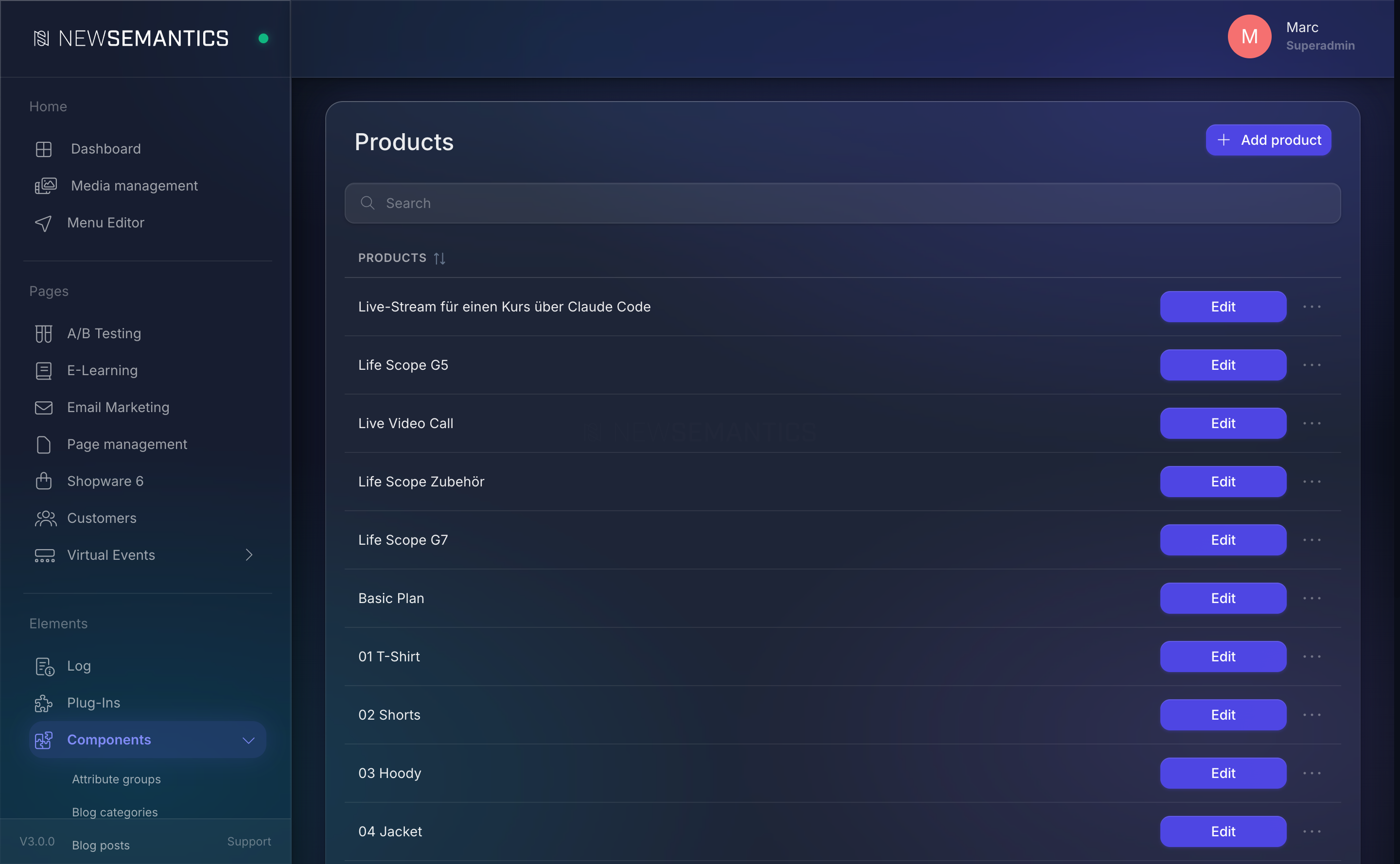
| Products | Product catalogue — title, price, stock, images, description, subscriptions. |
| Product categories | Folders that group your products on the frontend. |
| Attribute groups | Reusable attribute sets (sizes, colours, tags) attached to products. |
| Customers | Accounts that bought a product, with orders and addresses. |
| PayPal API | Client ID, Secret, and Sandbox / Live toggle. |
| Credit Card (Stripe API) | Public key, Secret, Webhook Secret. |
| Emojis | Reaction emojis used in live events and chat. |
| Shortcuts | Named shortcuts surfaced in chat and UI. |
How it fits together
Shop master data        → currency, shipping cost, VAT, e-mail templates, accounting
 ├── Products           → sold via Pagebuilder widgets (Product Teaser, Category Banner, Shop)
 │    ├── Category      → groups products on category landing pages
 │    └── Attributes    → assigned from an Attribute Group
 ├── Customers          → created on first checkout, manage addresses + orders
 └── Payment            → PayPal and Stripe configured per language
Products and categories exist as database rows; they reach the frontend through Pagebuilder widgets (Product Teaser, Category Banner, Shop, Checkout, User). There is no separate "shop theme" — every product and listing page is a normal CMS page with a product widget dropped in.
Multilingual
Every catalogue table (s_products, s_categories, s_attribute_groups) is multilingual. When you edit a product you pick a language tab first; each language has its own title, subtitle, description, and URL rewrite. Prices and stock are shared.
VOD and subscription products
The Native Shop doubles as a VOD (video-on-demand) platform. Product types video, subscription, and download add video-streaming and recurring billing on top of the basic catalogue — configured on the product itself. See Products.
When to use the Native Shop
- Small to mid-sized catalogues (up to a few thousand SKUs).
- You want one system for pages, blog, and shop.
- You need VOD, live events, or subscription billing tied to content.
- You sell in one or a handful of languages.
For very large catalogues, complex fulfilment, or an existing ERP link, use Shopware 6 and drive the frontend through the Shopware 6 integration.
See also
- Products — create and edit products.
- Shop Master Data — company and invoice details.
- Payment Providers — PayPal and Stripe setup.
- Orders — order list and statuses.