
Attribute Groups
Attribute Groups are sets of reusable tags you attach to products. A typical shop has groups like Size, Colour, Style, or Audience. Each group contains individual attributes (e.g. Size → S, M, L, XL).
Attributes are not variants — they do not create new SKUs. They are filters and classifiers used by the frontend for sorting, facet search, and teasers.
Open the attribute groups screen
Click VOD / Shop → Attribute groups in the sidebar.
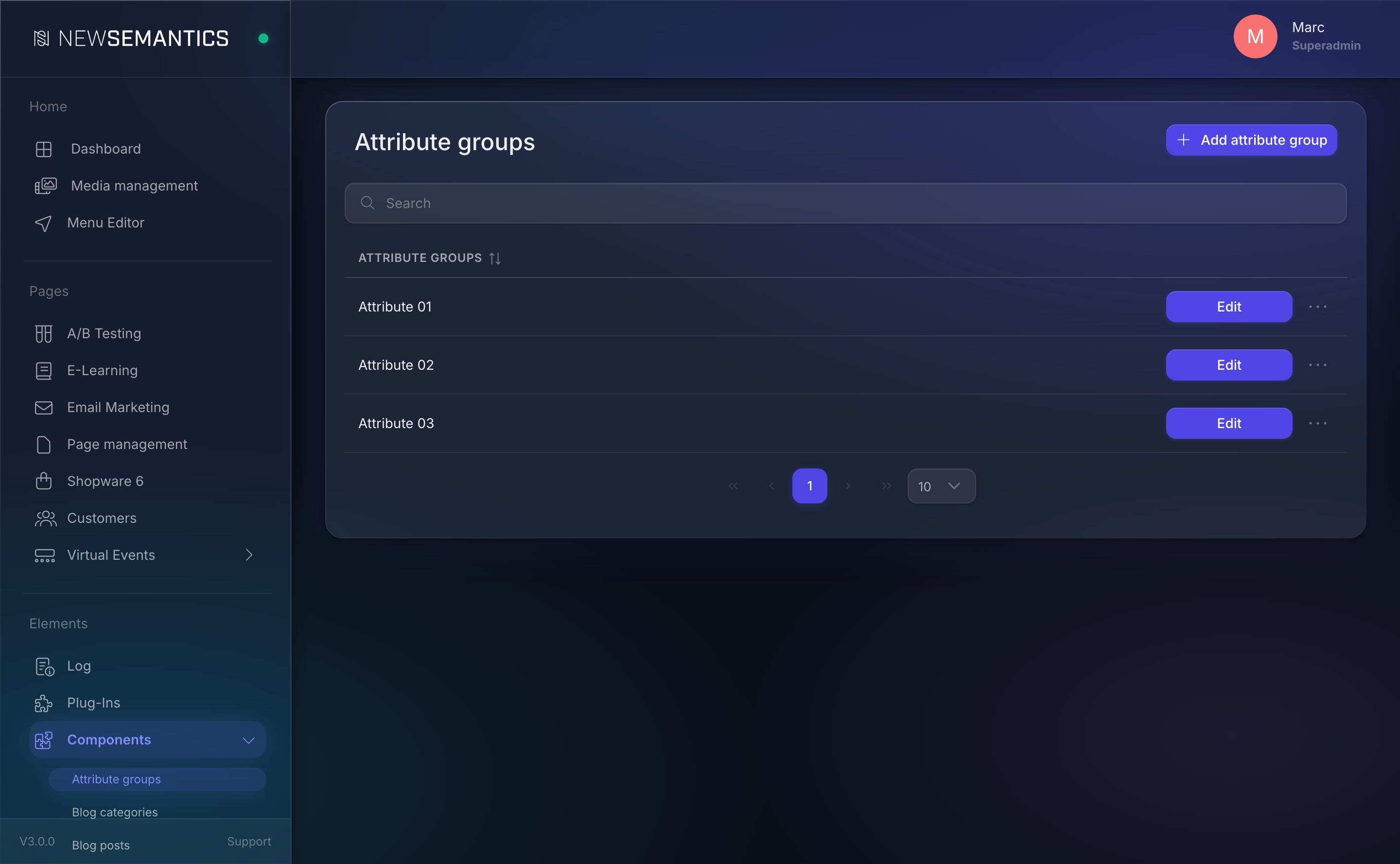
Create a group
- Click New group (top right).
- Pick a language tab.
- Fill:
- Title — the group name (e.g.
Size).
- Title — the group name (e.g.
- Click Save.
Add attributes to a group
On the attribute group row, click Add attribute:
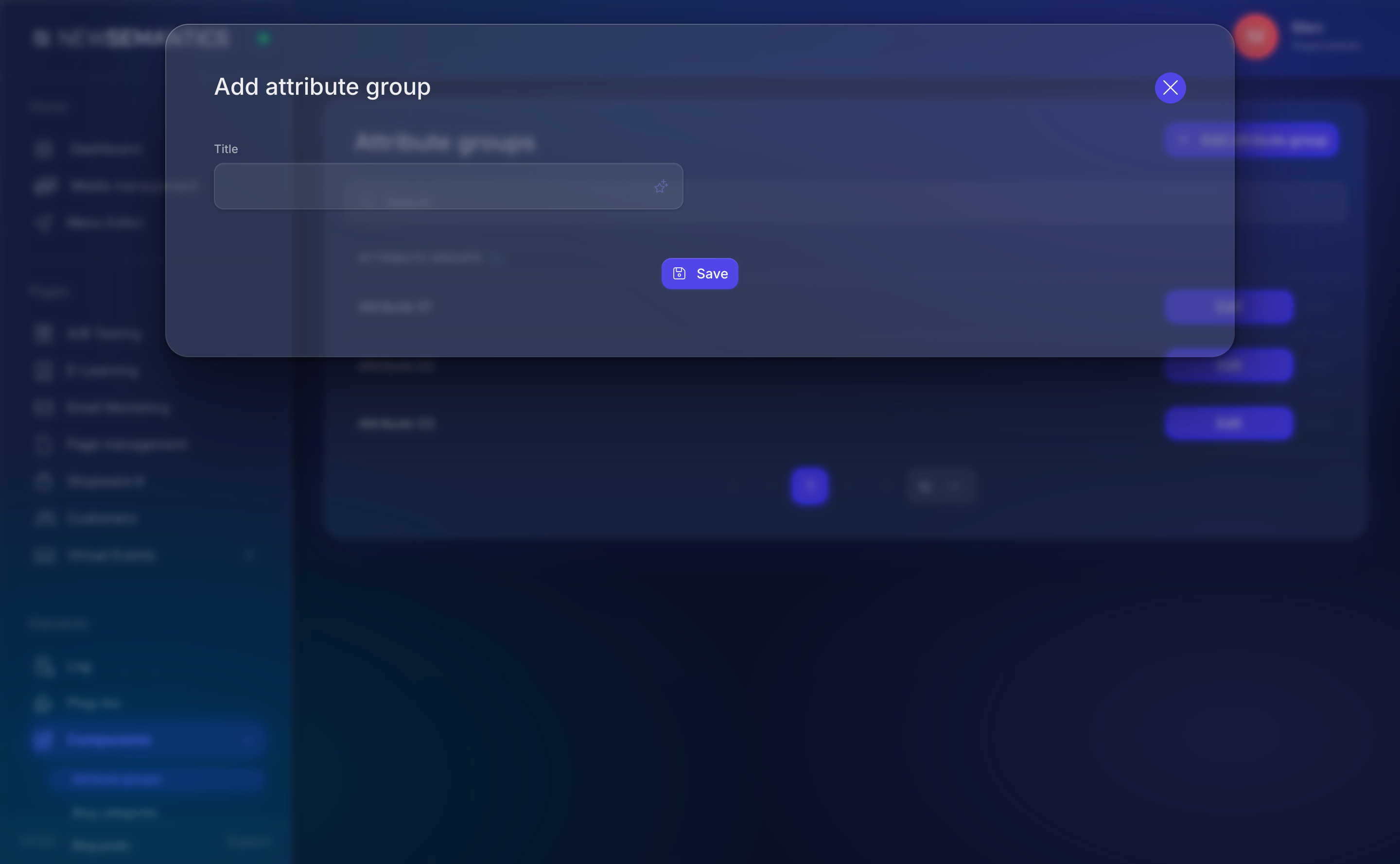
Give the attribute a Title (e.g. S, M, L) and Save. Repeat until the group is complete.
Attach attributes to a product
On the Products list, click the Attributes (checklist) icon on the product row. A modal shows every attribute grouped by its Attribute Group, with checkboxes:
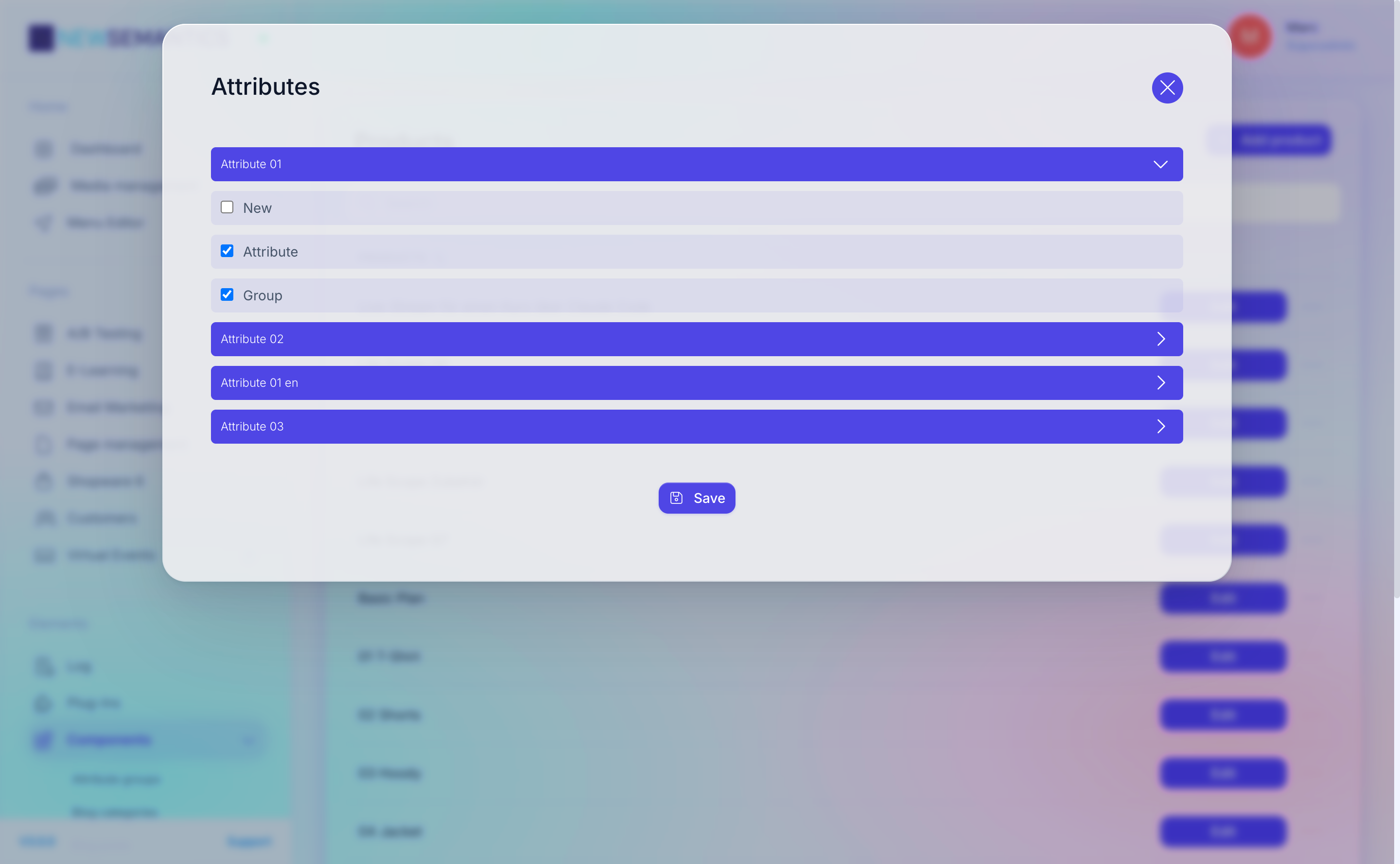
Tick every attribute that applies, then Save.
Delete an attribute or group
- Attribute: click the trash icon next to the attribute.
- Group: click the trash icon next to the group row.
Deleting a used attribute
If you delete an attribute that is assigned to products, the assignments are removed silently. Double-check a filter on the frontend after bulk deletes.
Common issues
Attribute shows up in wrong group
The group relationship is set when you add the attribute. If you want to move an attribute to another group, delete and re-create it inside the target group.
Translations per attribute
Attributes are translated. Add the base attribute first, then switch to the language tab and translate the title before going live — otherwise the attribute displays its default-language title in other languages.
See also
- Products — assign attributes to products.
- Native Shop overview