
Blog
The Blog module lets you publish articles — news posts, announcements, long-form stories — with categories, images, SEO metadata, and multilingual variants.
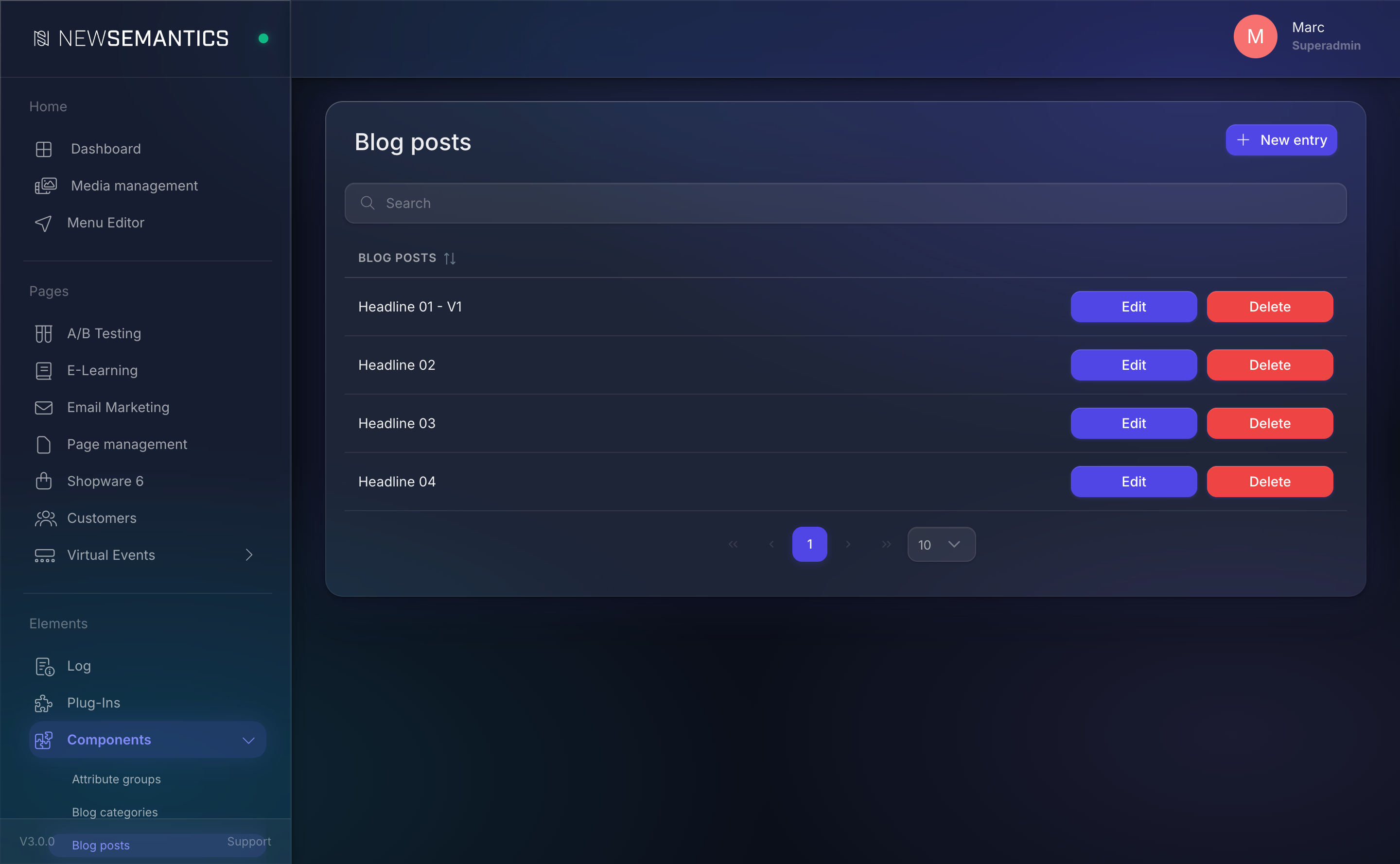
Where to find it
The module lives in the sidebar under News. It exposes three sub-pages:
- News — the list of articles. Create, edit, delete.
- News Categories — the categories you assign to articles.
- Main page for blog entries — picks the Pagebuilder page that acts as the blog overview (where the list of posts is rendered).
Why is it called "News"?
The sidebar label is News for historical reasons. In the database and the Pagebuilder Widget catalog it is consistently referred to as Blog. Treat them as synonyms.
How posts show up on the public site
A published article is reachable at /news/<url-rewrite>. The public overview lives on the page you select under Main page for blog entries. Inside that page, place one of two Pagebuilder Widgets:
- Blog — renders a full list of posts with pagination and optional category filter.
- Blog preview — renders a compact preview (e.g. "3 latest posts" on the home page).
Read Place and configure Widgets if you have not used the Widget Picker yet.
Languages
Every article has a language variant per site language. When you edit an article, a language-tab row at the top lets you switch. The master article carries the base_id and each translation is linked to it.
Fields that translate per language:
- Title
- Short description
- Text (Rich Text)
- URL-Rewrite
- Meta Tags and Meta Description
Fields that are shared across languages:
- Image
- Category
- Publication timestamp
See also
- Create and edit blog posts — author workflow.
- Manage blog categories — organise posts.
- Pages & Pagebuilder — the page that renders your blog overview.
- Media Manager — upload post images.
- Key Concepts — how plugins, pages, and widgets fit together.