
SEO Meta per page
Every page carries SEO metadata that tells search engines what the page is about and how to render it in search results and social previews. The CMS exposes these fields in the Pagebuilder's Settings tab — one set of values per language.
This page walks you through the fields, how they are used, and how they interact with Design Tokens, the Sitemap, and OpenGraph previews.
Where the fields live
Open the page in the Pagebuilder and click the Settings icon in the top bar. A modal opens with three sections: Page Info, SEO, and Social/OpenGraph.
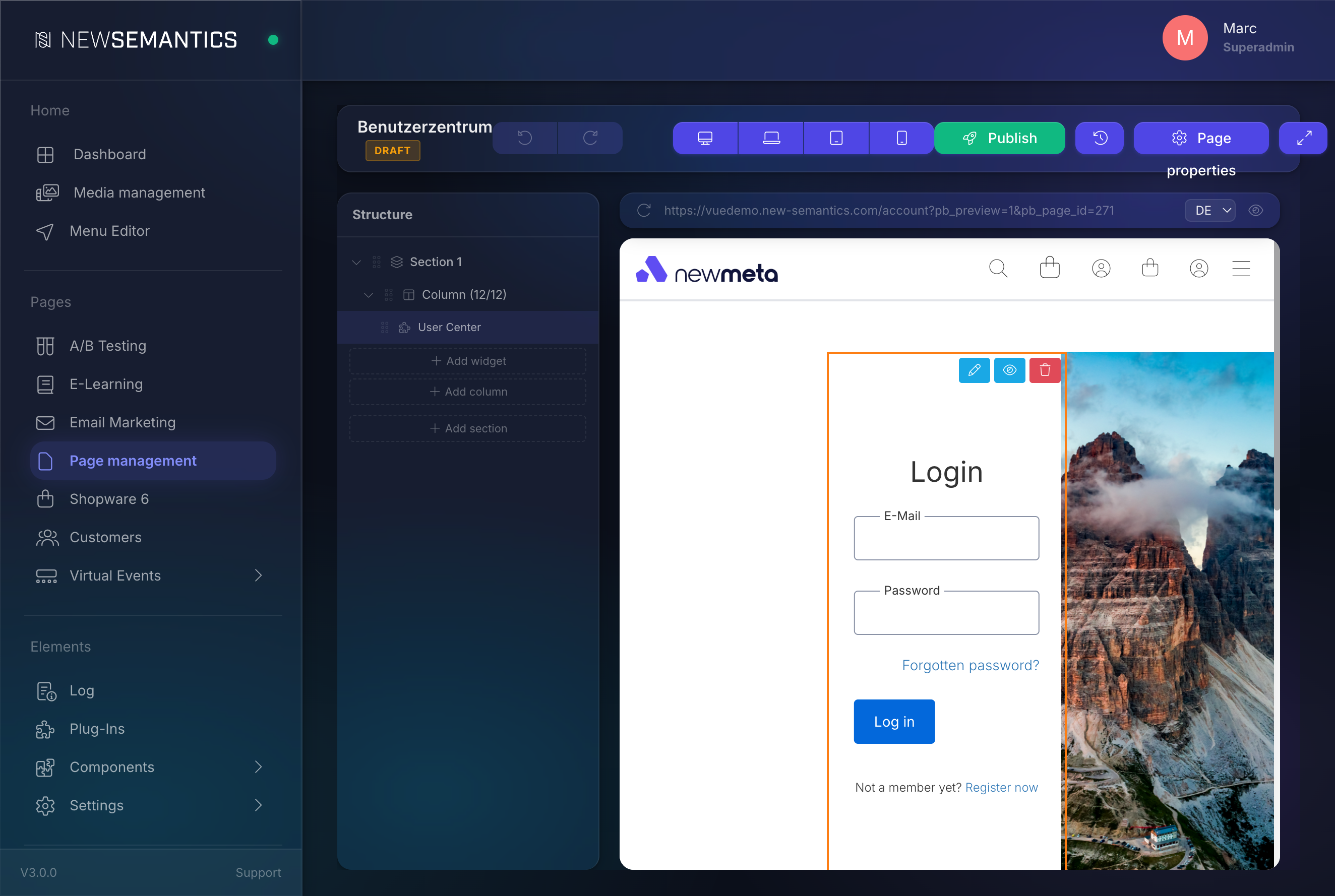
Every SEO field is per language. Switch the language tab at the top of the modal to edit the fields for a different language variant.
Fields
Page info
| Field | Purpose |
|---|---|
| Title | The internal page title. Also the default <h1> on the page (widget-dependent). |
| URL-Rewrite | The URL slug for this language. about becomes /about in EN, ueber-uns in DE becomes /de/ueber-uns. |
One slug per language
Translate the slug in every language tab. Never reuse the English slug in DE — it breaks hreflang and confuses users.
SEO
| Field | Purpose |
|---|---|
| Meta Title | The <title> tag. 50–60 characters is the sweet spot for Google's result snippet. |
| Meta Description | The <meta name="description"> tag. 120–160 characters. Shows in search snippets. |
| Meta Tags | Comma-separated keywords. Low SEO value today but used by some internal-search engines. |
| Canonical URL | Override where the page claims to live canonically. Leave empty for self-canonical. |
Click the AI button next to Meta Title, Meta Description, or Meta Tags to let the AI plugin fill the field. See AI Text Generation.
Social / OpenGraph
| Field | Purpose |
|---|---|
| OG Title | Title shown in social shares (Facebook, LinkedIn, Slack, etc.). Falls back to Meta Title. |
| OG Description | Description for social shares. Falls back to Meta Description. |
| OG Image | The hero image for social previews. Pick from the Media Manager. Recommended 1200×630 px. |
The CMS injects these as <meta property="og:title">, <meta property="og:description">, <meta property="og:image"> plus Twitter Card equivalents (twitter:title, twitter:description, twitter:image).
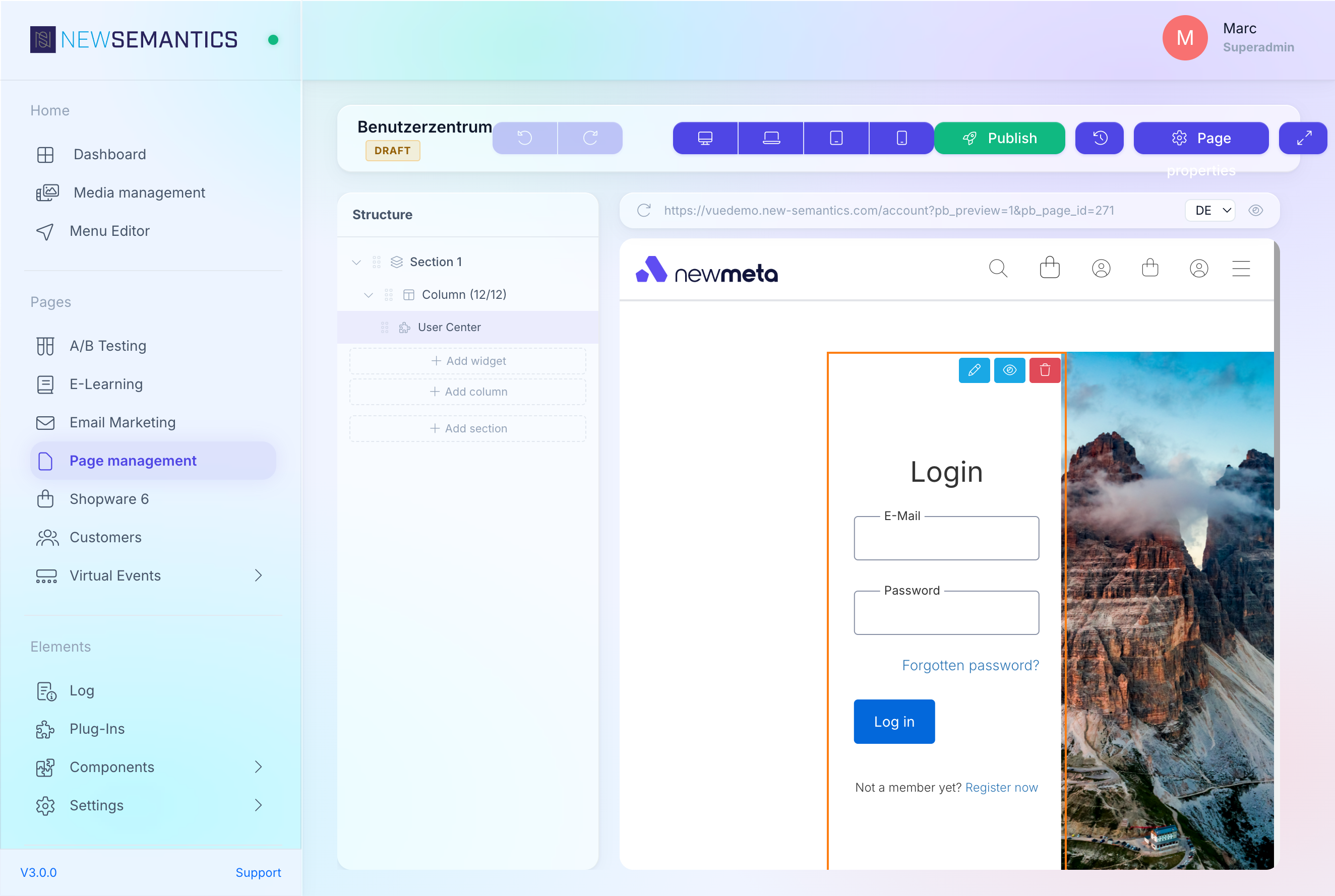
Edit SEO for a different language
- Open the page in the Pagebuilder.
- Click the language flag in the topbar to switch to the target language.
- Open Settings.
- Fill the SEO fields in that language.
All language variants share the page's content structure but carry their own SEO text and URL slug.
Canonical URLs — when to set one
Leave Canonical URL empty in 95% of cases — the CMS defaults to self-canonical (the page claims its own URL). Set a canonical only when:
- Multiple pages on your site describe the same product (set canonical to the preferred one).
- Content is syndicated from an external source (set canonical to the original URL).
- A campaign URL (
/summer-sale-2026) should be rolled up under an evergreen URL (/summer-sale).
Wrong canonical silently kills SEO
A canonical that points to a different domain or a nonexistent URL tells search engines to drop the page from the index. If rankings fall off a cliff after you touched this field, empty it first.
How the fields flow to the frontend
The Pages API (/api/pages) returns every SEO field with the page payload. The Nuxt theme uses the useSeoHead() composable to turn them into <title>, <meta>, <link rel="canonical">, and OG / Twitter tags in the <head>.
Design Tokens do not directly affect SEO meta — but they shape the OG preview when a social network generates a rich preview from the raw page (fallback to screenshots). For that case, make sure:
@colorPrimaryrenders well on white (LinkedIn uses dark text).- The homepage has a hero image visible above the fold.
SEO checklist before publishing
Run through this list before you click Publish on a new page:
- URL-Rewrite is set in every language tab.
- Meta Title is 50–60 characters.
- Meta Description is 120–160 characters and mentions the primary keyword.
- OG Image is set (1200×630 recommended).
- Canonical URL is empty unless you have a specific reason.
- The page has exactly one
<h1>(usually the Title widget). - Every image on the page has alt text — use AI Alt Text if you need help.
Common issues
Meta Title is too long
Google truncates titles after ~60 characters. A truncated title loses impact. If the badge next to the field warns about length, shorten it or generate a new one with AI SEO Title.
OG image is not showing
Most social networks cache the OG image. After a change, use the network's debugger to re-crawl:
- Facebook: https://developers.facebook.com/tools/debug/
- LinkedIn: https://www.linkedin.com/post-inspector/
- Twitter/X: https://cards-dev.twitter.com/validator (if still available).
Hreflang mismatch
If language variants have the same URL slug, search engines see them as duplicates of each other. Always translate URL-Rewrite per language.
See also
- XML Sitemap — which pages get listed.
- 301 Redirects — keep old SEO-weight when you change the URL-Rewrite.
- AI Text Generation — generate SEO fields with AI.
- Pages & Pagebuilder — where the Settings modal lives.